Upload guide
Share a past paper, the right way.
A clear scan helps thousands of students revise. Follow these standards and our team will publish your paper for your department.
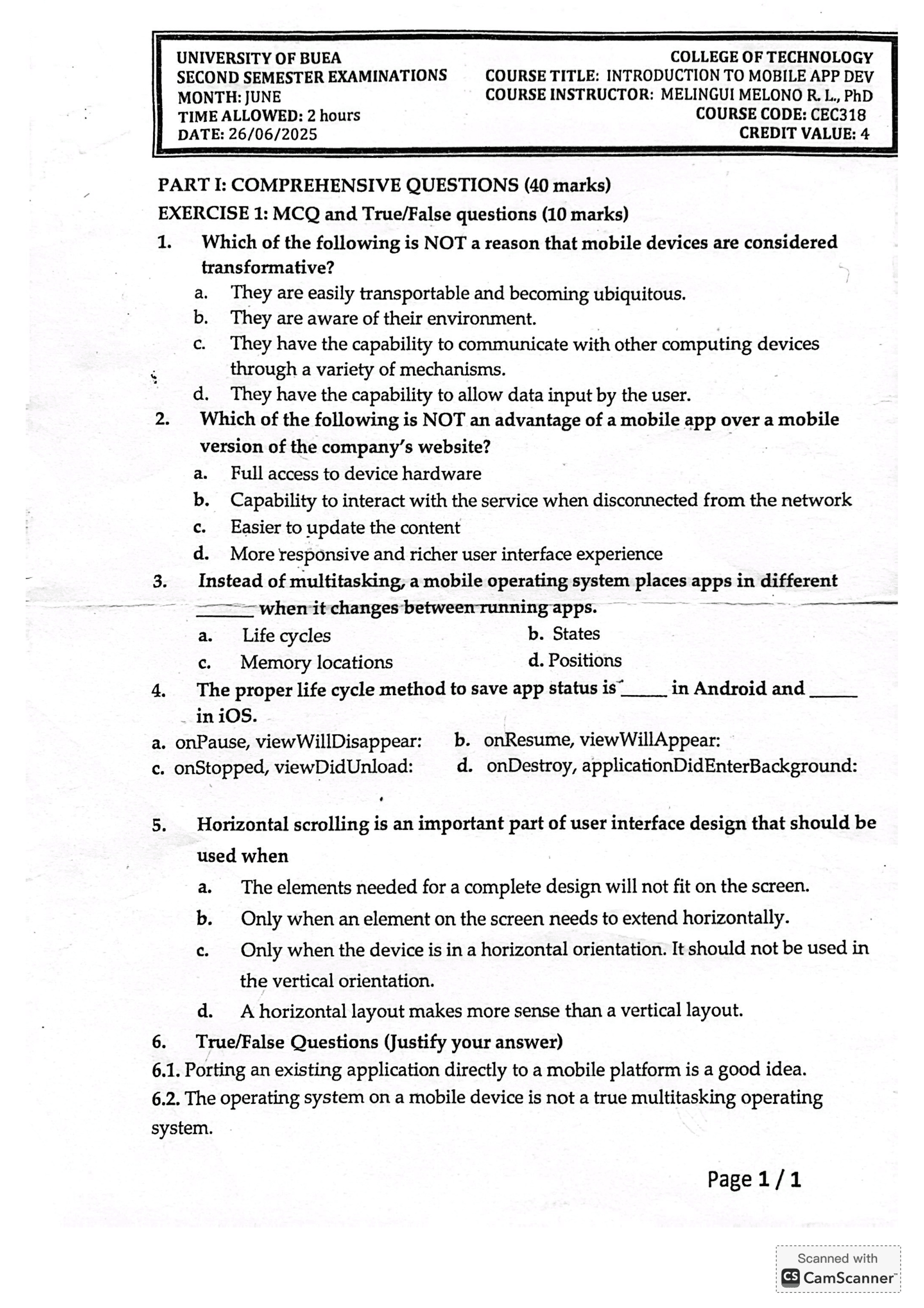
Sample paper
This is what a good scan looks like. Your upload should look similar.
Before you upload
- Your paper should be scanned using a good software e.g CAMSCANNER.
- Only PDF files can be uploaded, so the scanned paper should be converted into PDF file.
- Paper background should be white and clear, just like in the sample shown.
- Every text should be clear and visible.
How it works
- 01
Scan and upload
- 02
Checked by our team
- 03
Live for your department